Baby tracking, together
Their little world.
All in one place.
Feeds, naps, diapers and little firsts. Keep the day in sync with the people who care for your baby.
Less catching each other up. More time being there.
For iPhone. Everyday logging is free.

Sleep Sense · Moonlet Plus
A little help
with sleepy time.
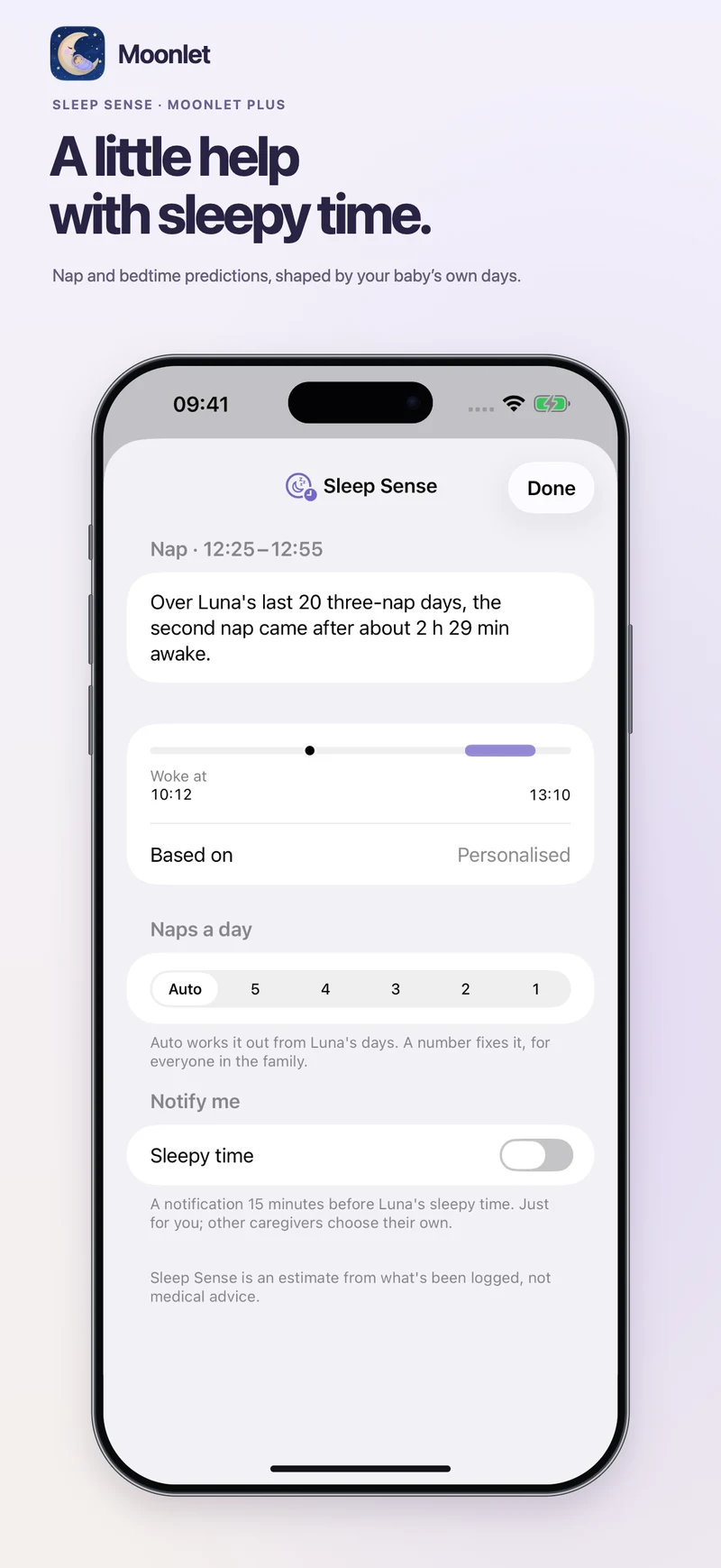
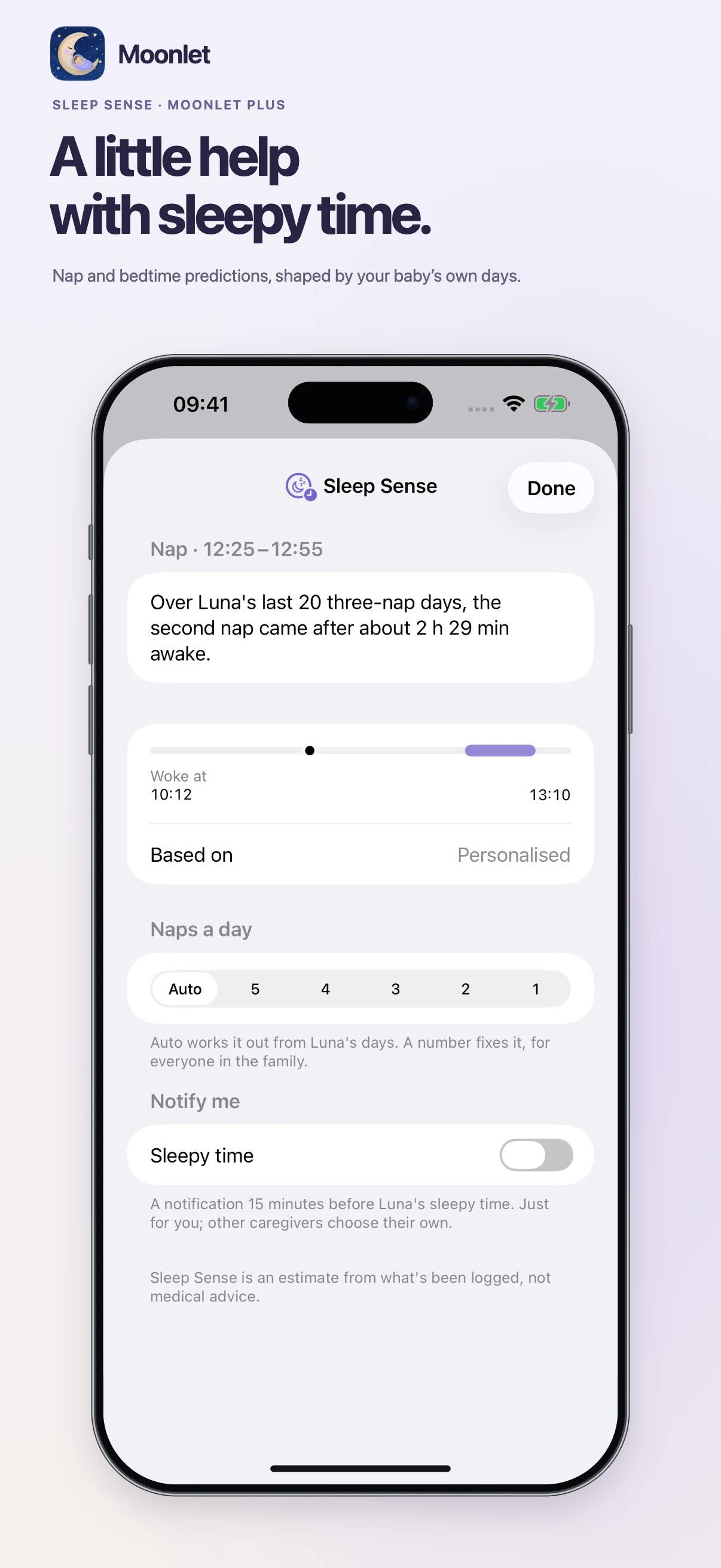
Every baby has their own rhythm. Sleep Sense learns from your baby’s logged sleep to estimate when their next nap or bedtime is likely.
- A window, with a reason. See the predicted time and the sleep history it’s based on.
- There when you need it. Check the next sleepy time on Home, and turn on a reminder if you’d like one.
- Room for changing days. Let Moonlet work out the nap count, or choose the number that fits today.
Sleep Sense is an estimate from what’s been logged, not medical advice.
Caregiver access · Moonlet Plus
Grandparent access
on your terms.
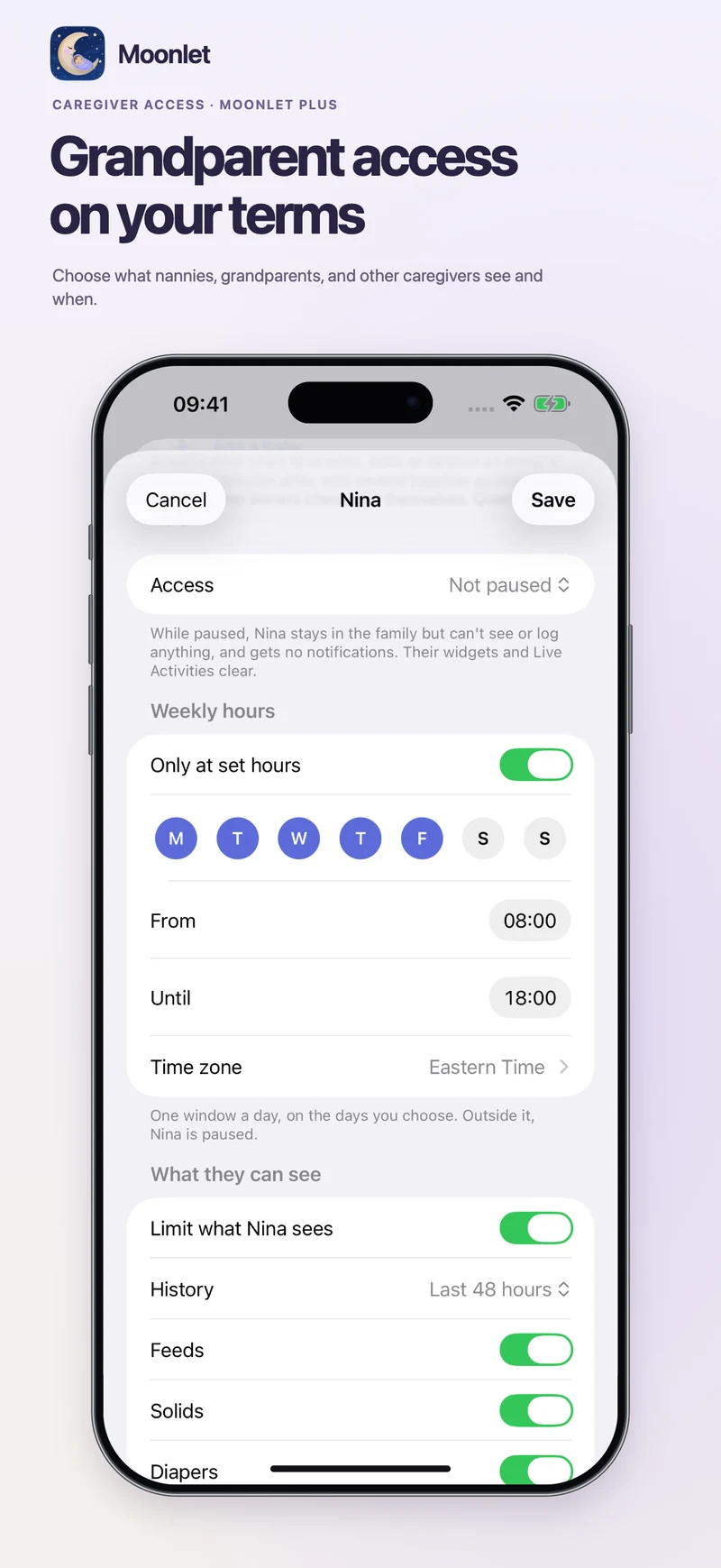
Bring nannies, grandparents and other caregivers into the same log, with access that fits the care they give.
- Choose what they see. Limit entry types, how far back their history goes, and access to areas such as Insights, Growth and Journal.
- Choose when they see it. Set weekly hours, pause access, or give access an end date.
- Stay in the loop. Choose notifications when a caregiver logs, and leave care instructions for the day.
- Keep photos on your terms, too. Control whether caregivers can see and add photos.
Your co-parent stays a co-parent. Caregiver permissions are set separately for each person.
End-to-end encrypted photos
Little memories.
A little more private.
Baby photos belong with your family. Moonlet encrypts photo uploads on your device before they reach the server, and opens them on family devices with the encryption keys.
Protected before they leave your phone
Entry photos, Journal photos and your baby’s shared profile photo use end-to-end encryption. Photo access still follows your family’s caregiver permissions.
A way back to your memories
iCloud Keychain, a recovery key, or another family member’s device can help restore access on a new phone. Keep your recovery key safe: Moonlet can’t recover encrypted photos without the keys.
How photo encryption works · Privacy policyA closer look
Made for the everyday.
From the next bottle to their next little first. Scroll through the screens, or open one for a closer look.
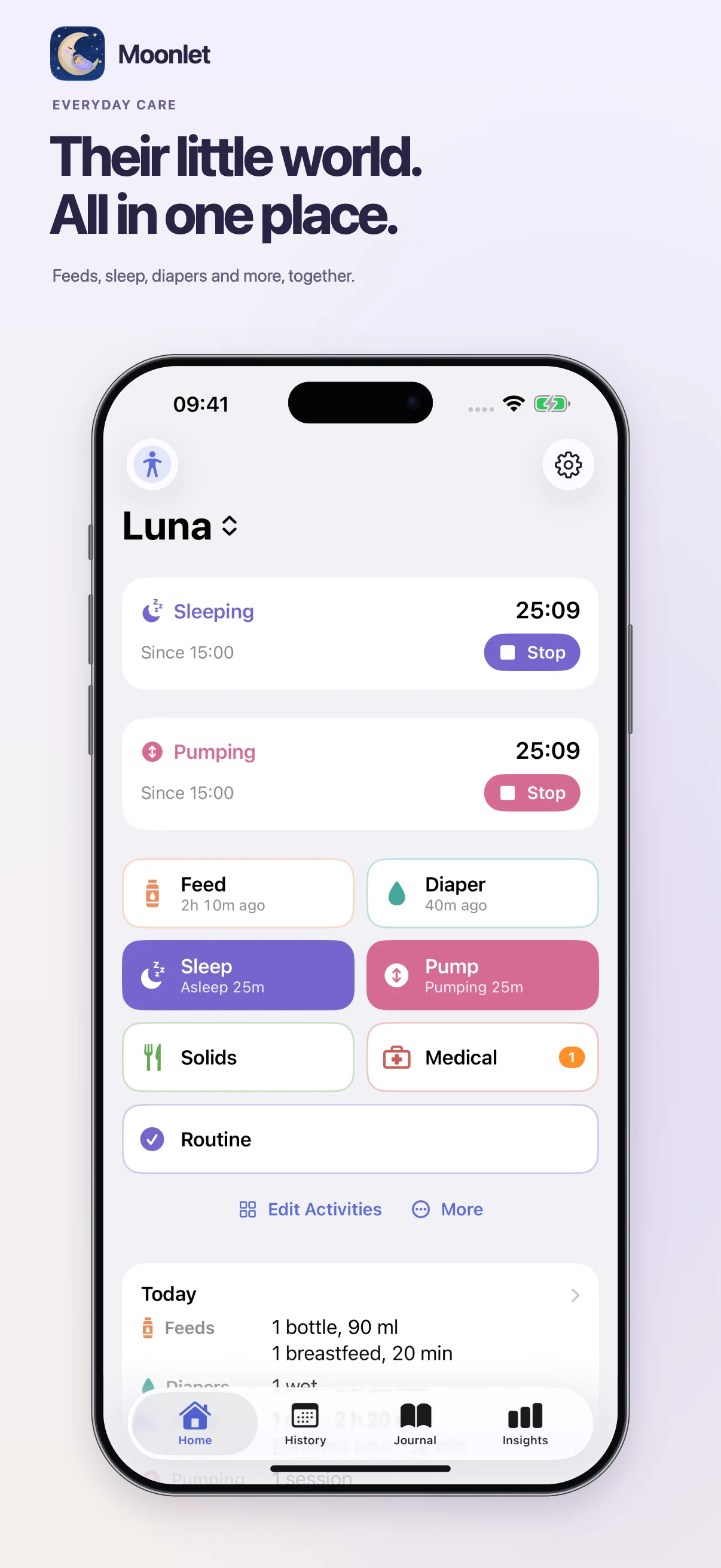
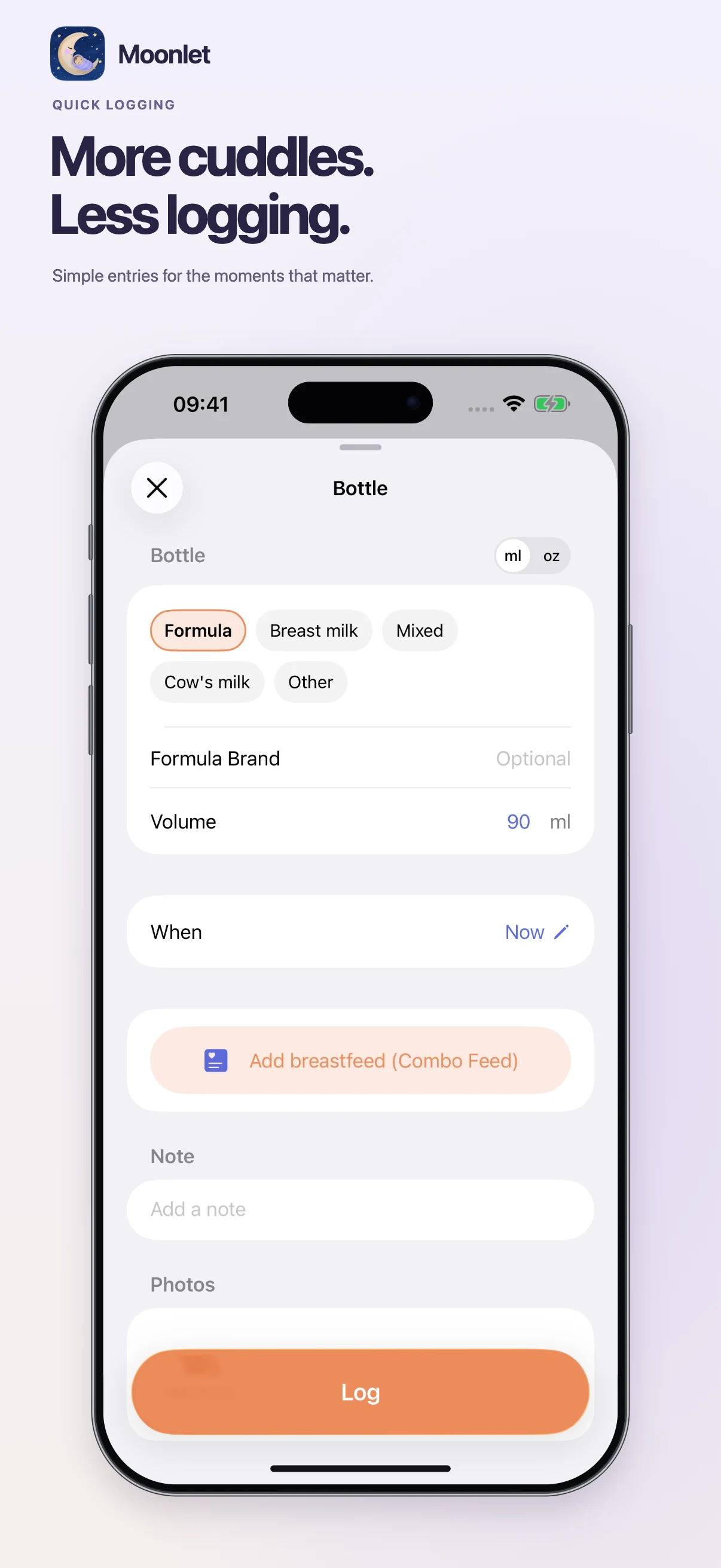
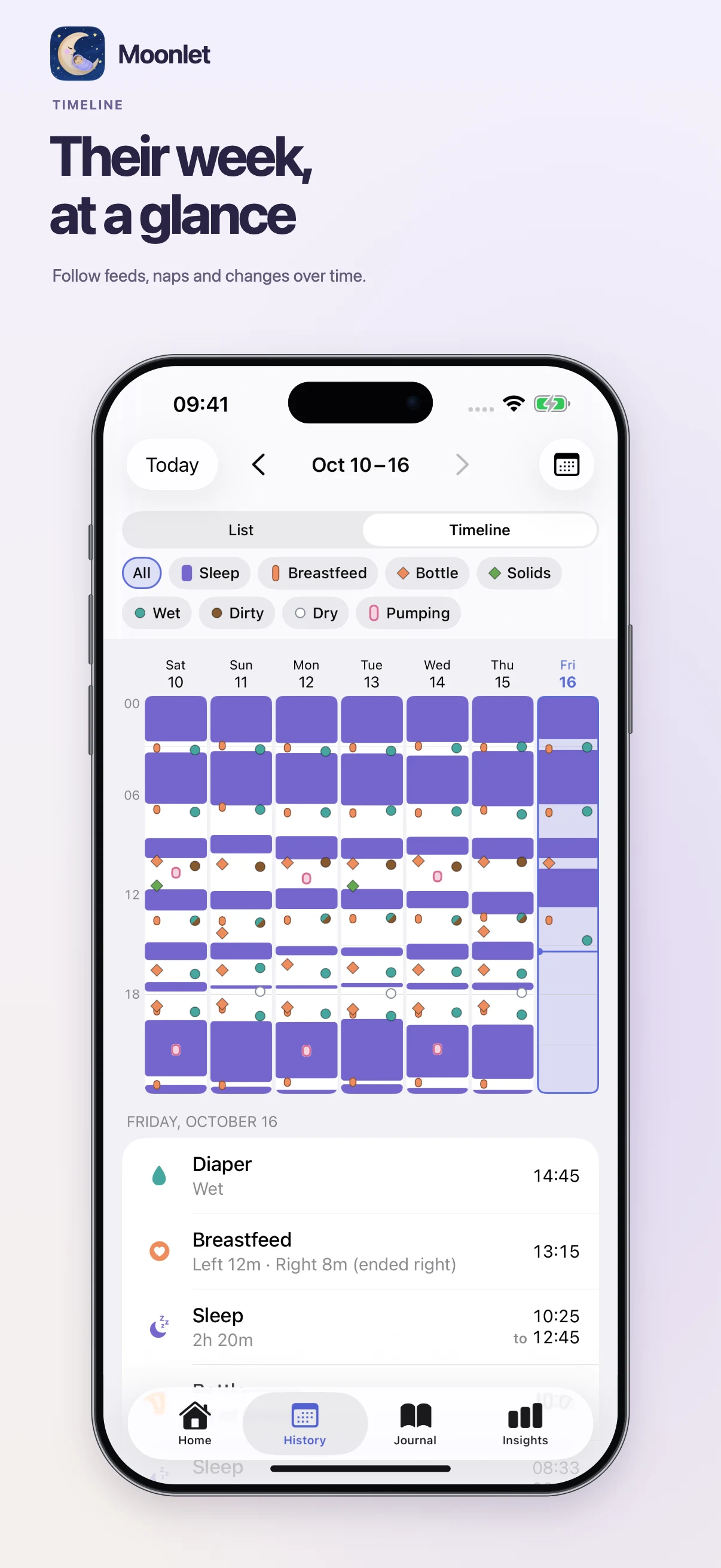
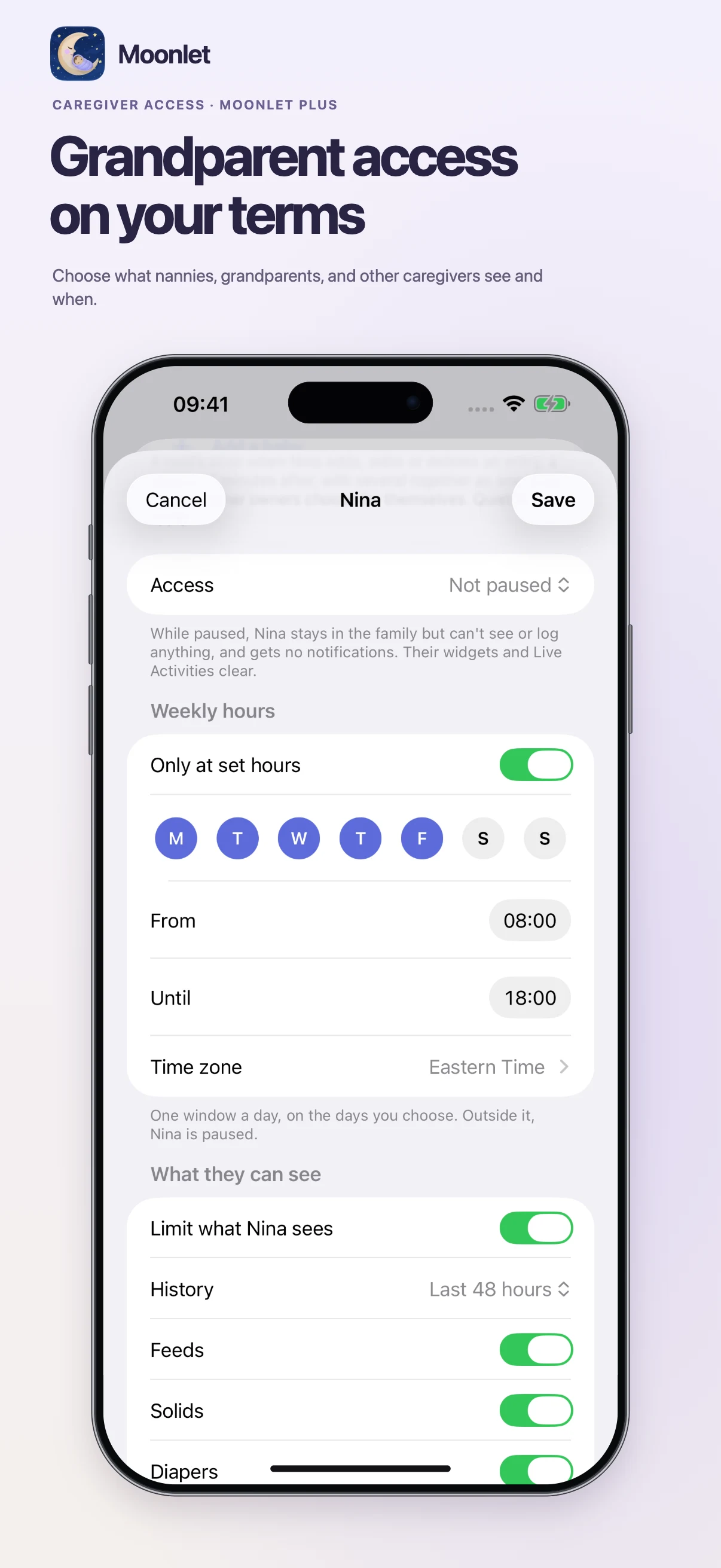
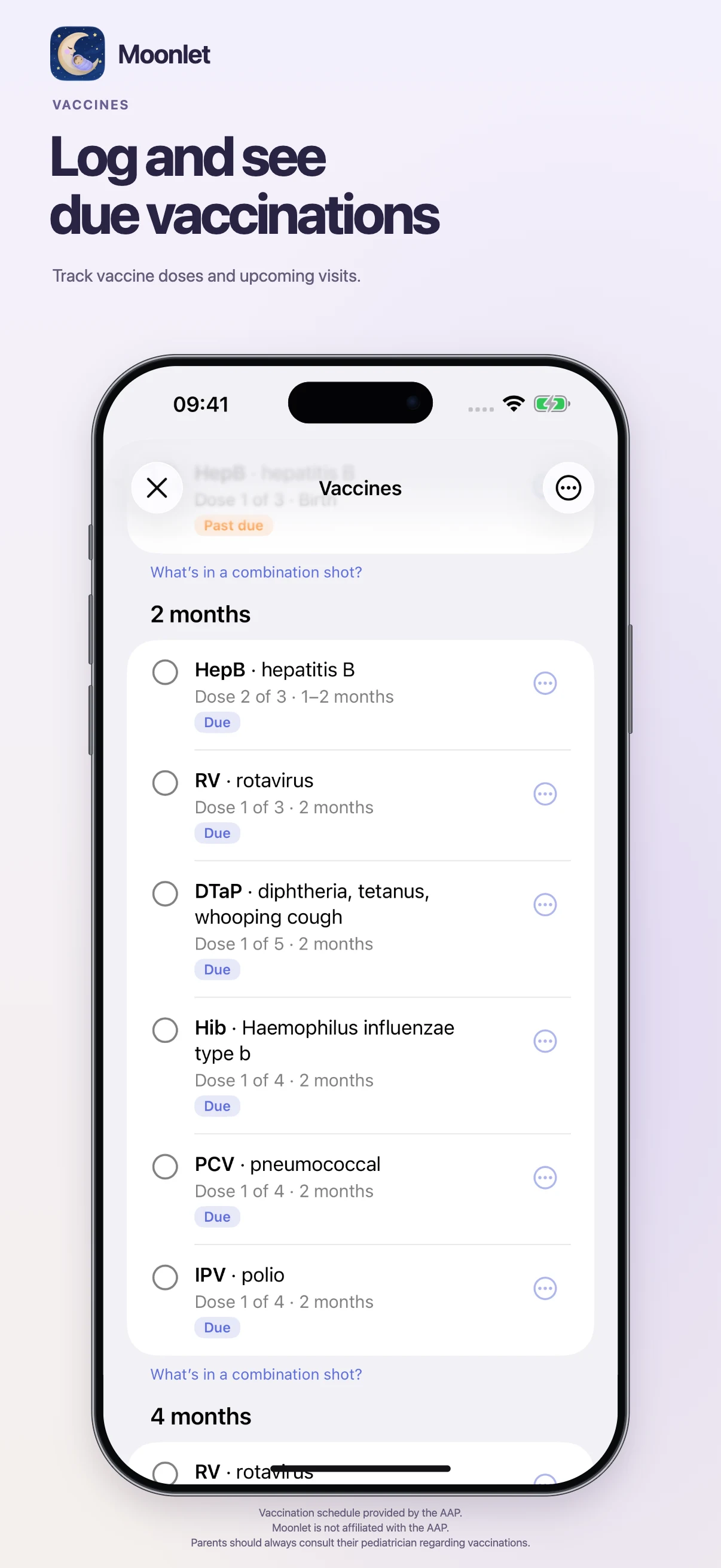
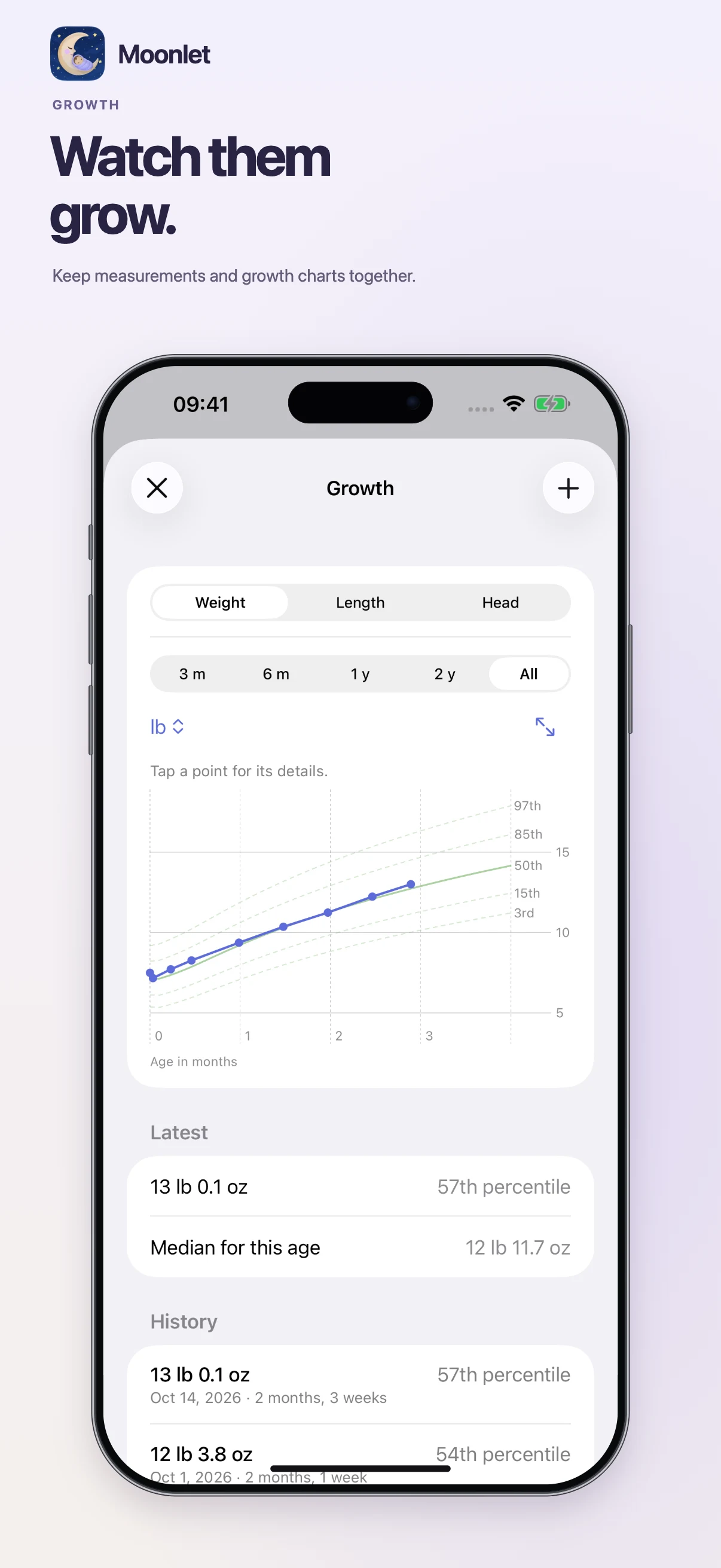
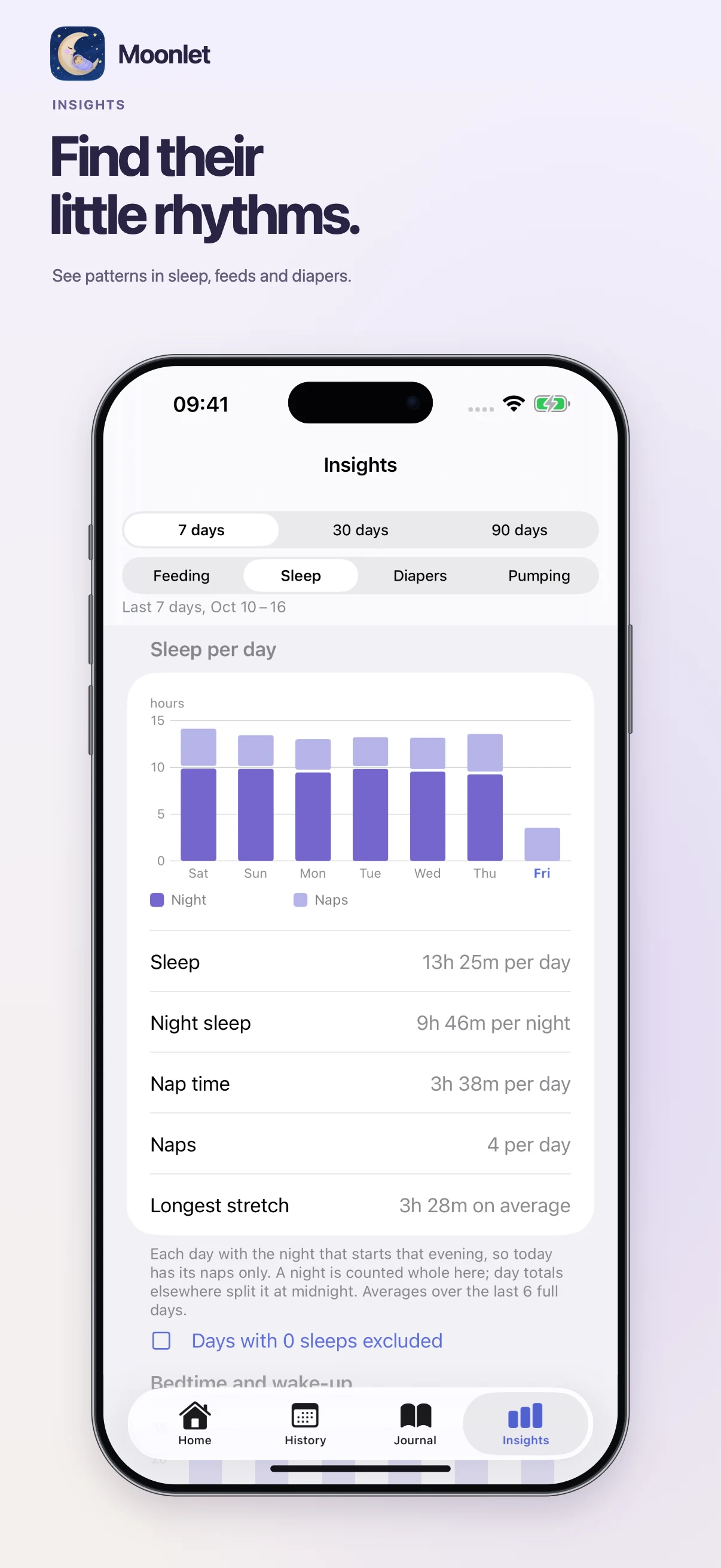
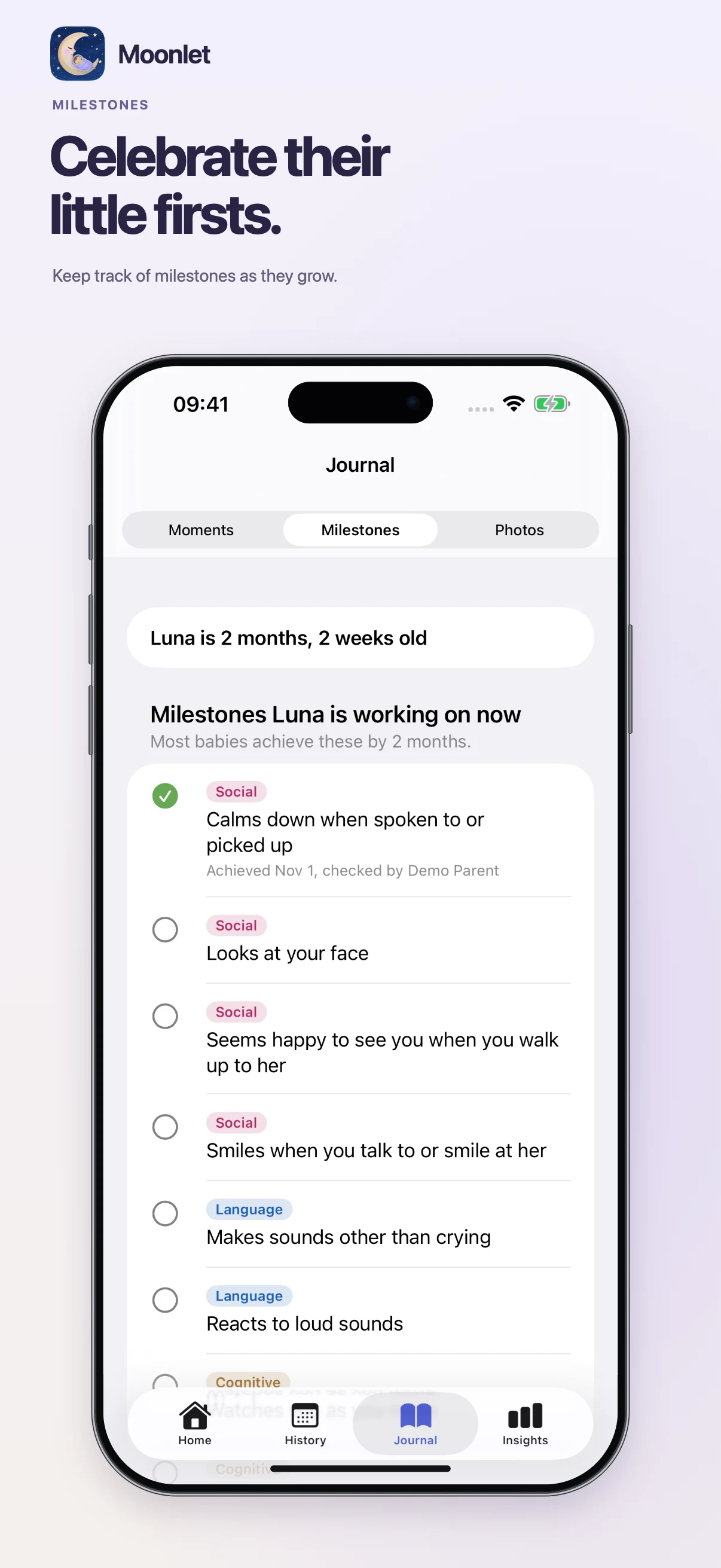
Actual app screens with synthetic demo data. Some features require Moonlet Plus.
Free for everyday care
The essentials stay free.
Log feeds, sleep, diapers, pumping, solids and more. Share with your co-parent, use widgets and Live Activities, track growth, and export your history as CSV or PDF. Photo encryption is included on the free plan, too.
A little extra, with Plus
More room for your family.
Moonlet Plus adds Sleep Sense, caregivers and care instructions, more children, longer Insights, and unlimited photos. Your Plus covers both families you’re a parent in, and everyone in them.
Read the FAQYour story comes with you.
Coming from Nara Baby? Import your export and bring your children’s history along. The switching guide explains what comes across and how to get started.
Read the switching guideMoonlet is coming to the App Store. Get in touch if you’d like to try it sooner.